SpriteKit vs. Unity
This week, Char and I officially began working on our new game, Super Cat Hop. My main task has been learning how to use SpriteKit, a native game development framework for iOS. Last year, we tried using Unity to build a simple game together, but the process of deploying it to the App Store was a big hassle 😮💨 . As some of Unity’s libraries track user data, which make the privacy policy very complicated. Therefore this time, I decided to go with iOS’s native game framework to avoid these issues.
Hey O1, make me a game!
Since SpriteKit is new to me, I thought I’d test the waters by exploring AI’s ability to generate a basic game prototype. I provided a very detailed prompt with the game’s logic, scoring system, and mechanics to OpenAI’s O1 model, but unfortunately, the result didn’t work as expected. The generated game had issues with jumping mechanics and block movement (I guess the game logic might still be a bit challenging for LLMs at the moment). So I went back to learning SpriteKit from scratch.
First SpriteKit Fun
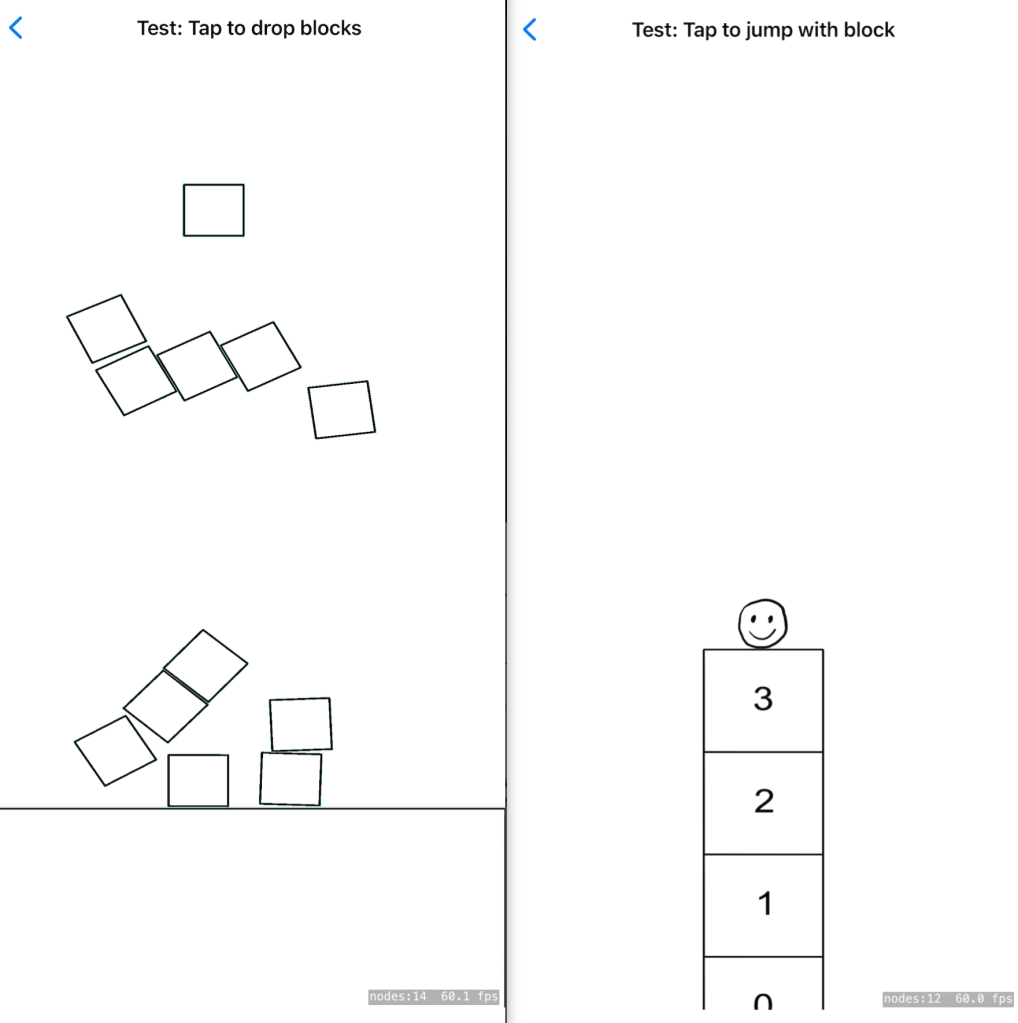
I started with the basics—drawing sprites and adding animations. The process felt pretty straightforward, and I was impressed with the physics system in SpriteKit, which allows you to create interactive elements quickly. I had a lot fun of play blocks with the physics system.
However, I think that for Super Cat Hop game, the physics system might be more complex than necessary. Instead, I’ll use traditional math-based rules to control the cat and blocks. Below is an example of my second attempt. I added a simple animation of a smiley face and implemented the core jumping logic. Each time the player taps the screen, the cat hops, and blocks appear on the screen.
The mechanics are coming together, but the hardest part will likely be the graphic design. I’m not very good at drawing, so my task for next week is to work on improving the visuals. Meanwhile, Char is focusing on designing the game’s characters and background. We’re aiming to have a prototype ready by next week, and I’m excited to see how it all comes together.
 Yue & Char, Games
[…] nailing down the basic game logic for Super Cat Hopper with SpriteKit, I hit an interesting challenge this week—turning Char’s “awesome” 😹 […]
LikeLike
[…] nailing down the basic game logic for Super Cat Hop with SpriteKit, I hit an interesting challenge this week—turning Char’s “awesome” 😹 […]
LikeLike