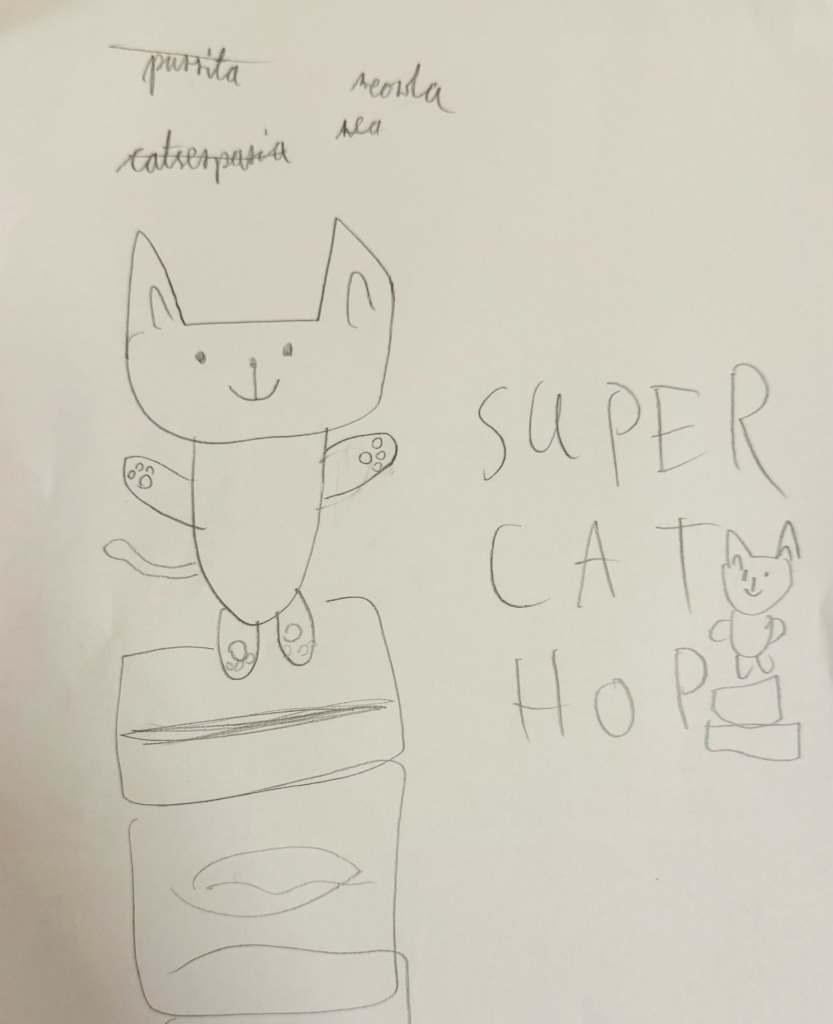
Learning 2D Game Art Design for Super Cat Hop šŸŽØ

After nailing down the basic game logic for Super Cat Hop with SpriteKit, I hit an interesting challenge this week—turning Char’s “awesome” 😹 character drawings into fun, animated characters for the game! I quickly realized that, although I’m pretty good at coding, my drawing skills needed some serious work. So, I took some actions to dive into the world of 2D game art design.

The good news is that I didn’t need to become a master artist—just being able to create simple comic-style characters with bold edges and bright colors would do the trick. I started exploring some free tools and landed on two great options: Grease Pencil from Blender and Krita. While both were awesome, I went with Krita because it reminded me of the traditional drawing apps like Photoshop that I’m a bit more familiar with.

But before I switched to Krita, I gave Grease Pencil a try. I took my Char’s drawing, traced it, and added some colors. The Sculpting tool was cool—it let me move lines and points around to animate the character easily. The animations turned out pretty well, but something about it still felt a bit… off. It wasn’t the tool—it was me! I realized I needed to get better at drawing itself, not just using the tools.

So, I switched gears and started an online drawing course for Krita. After five hours of sketching, outlining, coloring, and shading, I was feeling a lot more confident. For my first practice piece, I drew my Char’s favorite comic, Bunny vs. Monkey. And honestly? It’s one of the best things I’ve ever drawn! Not bad for a beginner!
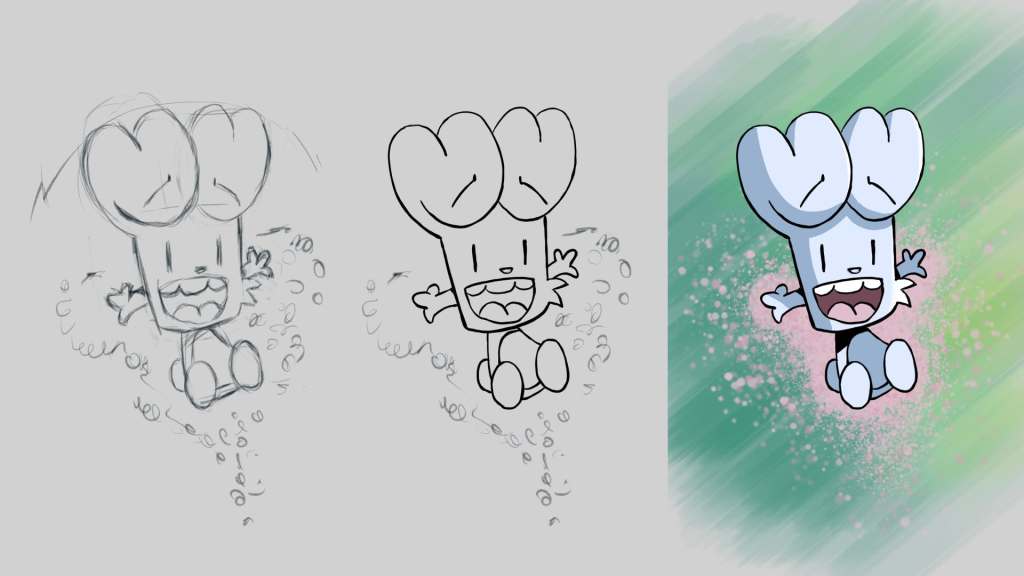
Once I had some drawing skills under my belt, I went back to Super Cat Hop. I redid the background and simplified my Char’s character, taking inspiration from Bunny vs. Monkey. Instead of detailed hands and legs, we went with a simple triangle body for the character, and it works! I added the game logic from last week, and now we’ve got a basic version of the game where the character hops around.

Next up, Char and I will work on refining the background to make it more original, adding sound, and giving the game a fun title. We’ve decided that instead of aiming for perfection, we’ll wrap this project up soon so we can move on to more fun ideas. With each game we build, we’re learning and getting better—and most importantly, we’re having fun together!
Exploring SpriteKit: Our First Steps in Building the Super Cat Hop 😻

SpriteKit vs. Unity

This week, Char and I officially began working on our new game, Super Cat Hop. My main task has been learning how to use SpriteKit, a native game development framework for iOS. Last year, we tried using Unity to build a simple game together, but the process of deploying it to the App Store was a big hassle šŸ˜®ā€šŸ’Ø . As some of Unity’s libraries track user data, which make the privacy policy very complicated. Therefore this time, I decided to go with iOS’s native game framework to avoid these issues.

Hey O1, make me a game!

Since SpriteKit is new to me, I thought I’d test the waters by exploring AI’s ability to generate a basic game prototype. I provided a very detailed prompt with the game’s logic, scoring system, and mechanics to OpenAI’s O1 model, but unfortunately, the result didn’t work as expected. The generated game had issues with jumping mechanics and block movement (I guess the game logic might still be a bit challenging for LLMs at the moment). So I went back to learning SpriteKit from scratch.

First SpriteKit Fun

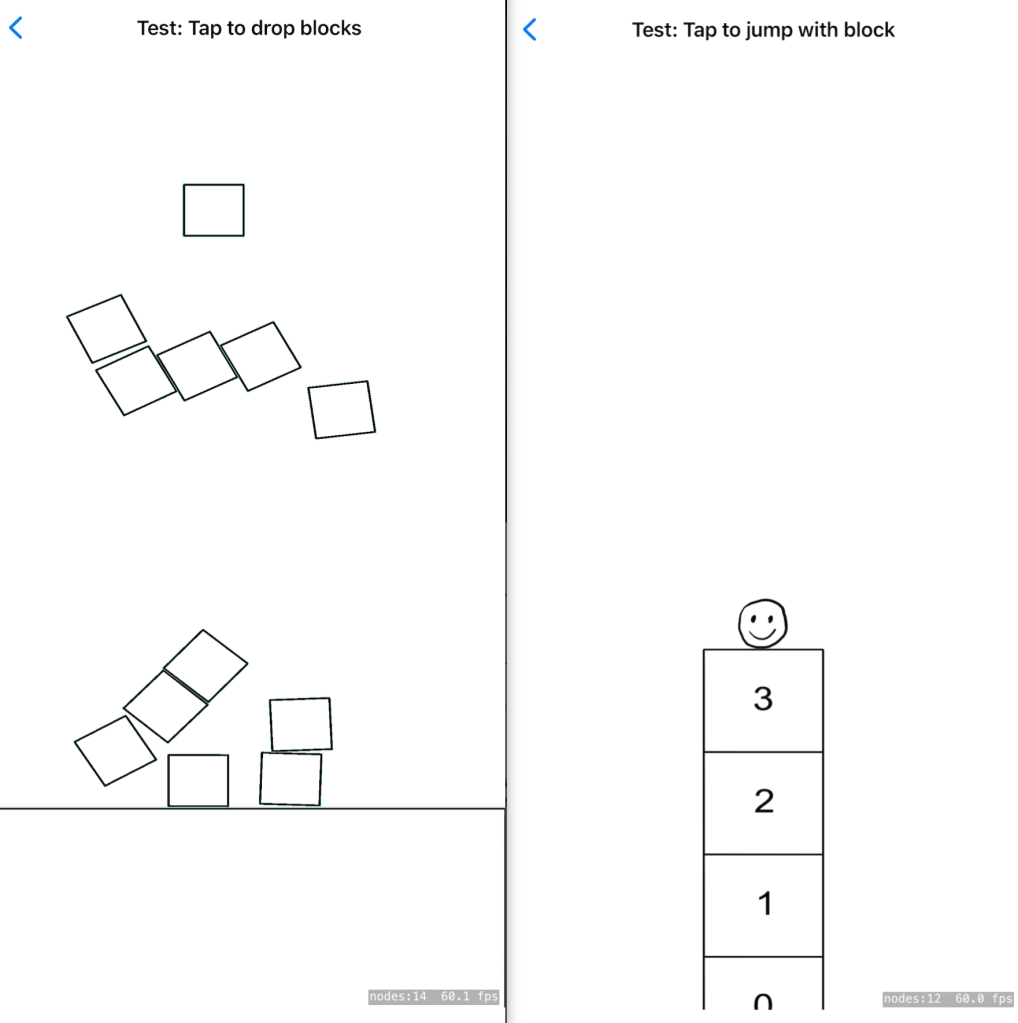
I started with the basics—drawing sprites and adding animations. The process felt pretty straightforward, and I was impressed with the physics system in SpriteKit, which allows you to create interactive elements quickly. I had a lot fun of play blocks with the physics system.

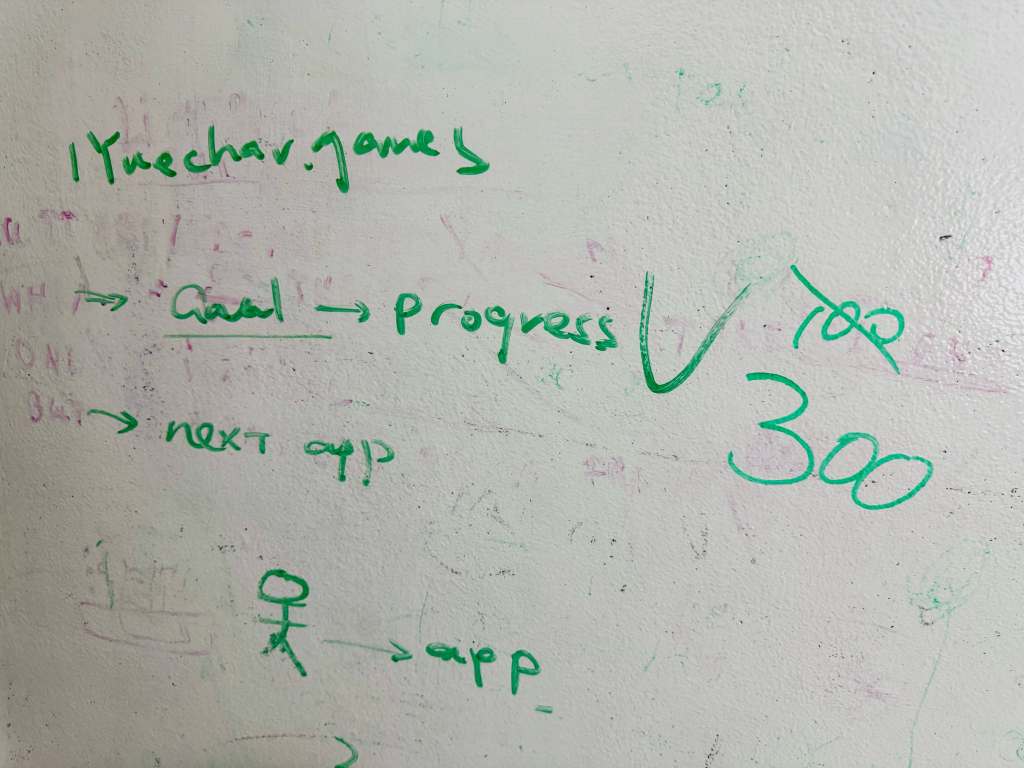
However, I think that for Super Cat Hop game, the physics system might be more complex than necessary. Instead, I’ll use traditional math-based rules to control the cat and blocks. Below is an example of my second attempt. I added a simple animation of a smiley face and implemented the core jumping logic. Each time the player taps the screen, the cat hops, and blocks appear on the screen.

The mechanics are coming together, but the hardest part will likely be the graphic design. I’m not very good at drawing, so my task for next week is to work on improving the visuals. Meanwhile, Char is focusing on designing the game’s characters and background. We’re aiming to have a prototype ready by next week, and I’m excited to see how it all comes together.

Our First Stand-Up MeetingšŸ“‹: Goal and Next App

Our First Meeting

After releasing our second app, Letter Sequence Buddy, I thought it was a great time to have a ‘proper’ company meeting with Char to review our progress and plan for what’s next. So, we held our very first official stand-up meeting yesterday.

I asked Char to set a goal for how many users we’d like to have by the end of the year. At first, she said 100 downloads, but I encouraged her to think bigger. After taking a moment to reconsider, she proudly raised the goal to 300 users! I guess 300 is a pretty ambitious goal for her šŸ˜‰.

Next, we talked about how we could reach that number. I suggested that we could either improve our current apps or build something new. No surprise, she was more excited about building new apps, so we moved on to discuss what we could create next.

I suggested that we should stick with the 11-plus exam theme since it’s relevant to her studies. We’ve already covered math and verbal reasoning, so I thought a non-verbal reasoning app focused on shape recognition would be a good next step. But Char found that idea is a bit boring. Instead, she proposed something much more exciting—a quiz game with a dragon that shoots fireballs when you tap the correct answer! šŸ‰šŸ”„ I loved the idea, but I had to admit that my design skills aren’t quite up to creating dragons and fireballs. So, we decided to start with something simpler.

Super Cat Hopper

In the end, we landed on a game idea she came up with called Super Cat Hop. It’s a simple jumping game where a cat (called Meowla) jumps over blocks that come from either side of the screen. If the cat jumps in time, it lands on the block; if not, it gets hit, and the game is over. Although the concept is simple, it’s a great place to start, especially since game development is a lot harder than building basic apps.

We have agreed the next steps, I’m going to focus on learning how to make 2D games, while Char continues designing the game. Stay tuned—we’ll hopefully have a fun cat-jumping game to share soon!