Hi everyone! Yue and I recently finished another cool LEGO SPIKE project together. This time, the background story was about a character who was sleeping out side for the first time. The character wanted to see the moon at night, so we decided to build a treehouse with a roof that could open and close.
The treehouse has a really clever design! We added a camera to it, and here’s the fun part: when the camera sees black (nighttime), the roof opens so the character can see the moon. When it sees blue (daytime), the roof closes and shows a picture of a forest den.
The most fun part was building the treehouse. But honestly, I think I liked some of our other SPIKE projects more because I couldn’t program this one to go crazy! It just opens and closes, and I like it when things can move around and do funny things. Still, it was pretty cool.
This time, Yue and I built the super cool LEGO SPIKE Underwater project. I cannot remember the background story, but we need to push a submarine into the water. Instead of just pushing it into the “water” like our first project (a boat), we made it more exciting—like a theme park ride!
I created a spinning machine that could not only push the submarine but also make it go round and round and round. It was so fun to watch! When I programmed it, I made three speeds: slow, medium, and fast. The fast mode was so crazy that the entire base plate started to shake! I had to stop it because it was going crazy!
The most fun part in all LEGO Spike projects? For me, it’s always when I program the LEGO projects to do something wild and unexpected. Watching them go out of control is hilarious!
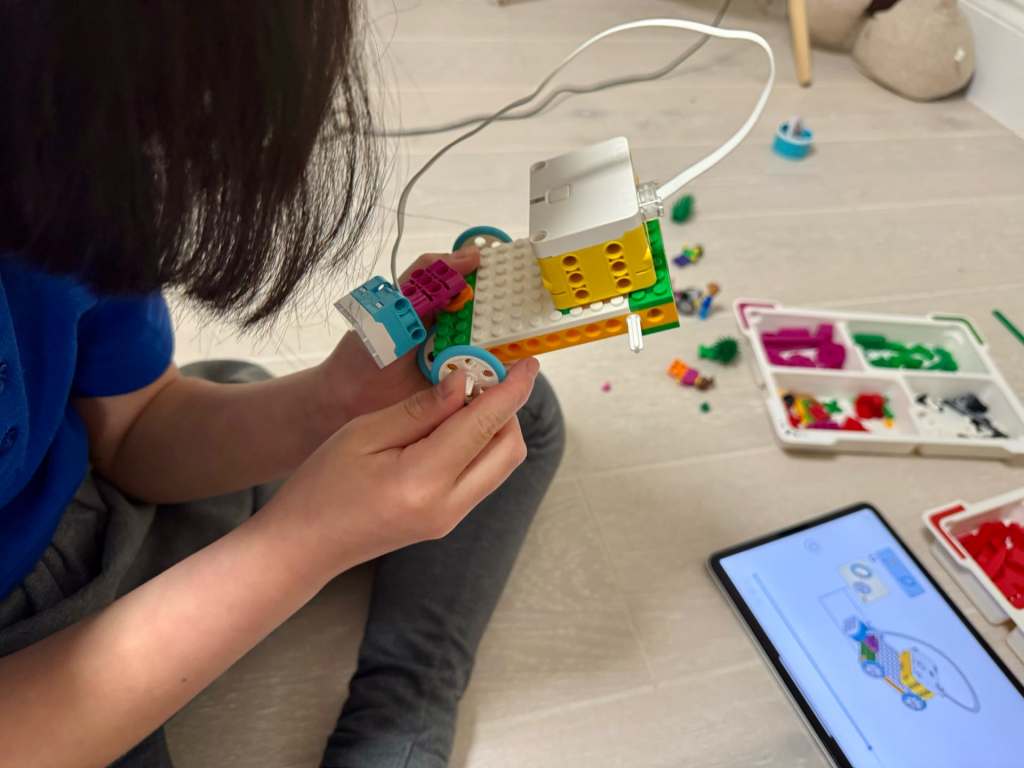
Our third Lego project is a car that can explore caves! The story goes like this: a guy wanted to go into a dark cave, but he couldn’t see anything. So, he decided to build a car with a light on it to help him find his way in the dark.
Building the car was fun, but there was one small problem. We only had one LEGO Spike hub, which is the part that gives energy to the car. So, we could only use the hub to make the light work, but we had to push the car ourselves because the wheels couldn’t move.
But here’s where it gets super cool! I discovered something AMAZING about the lights. Did you know you can tap on the lights and change the colors? Each panel of the light can be a different colour! I showed my Yue, and he was so surprised because he didn’t even know about it. Ha, I taught him something (twice! 😄)
Okay, let me tell you about the BEST part! If you take the light, add a randomiser, and put them together in a loop, you can make it flash in all sorts of colours. It looks soooo good! It’s like a little light show! And that’s a reason I really like this project.
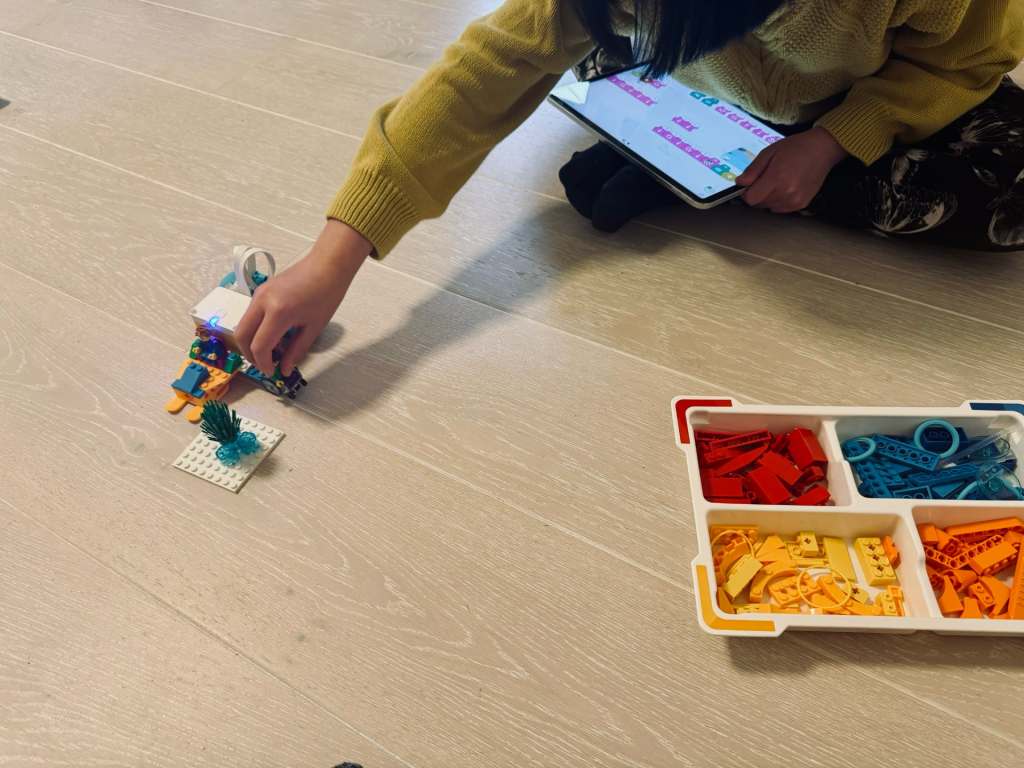
In our second LEGO session, we took on the mission of helping a character get to the polar bears he loves so much! We built a car that he could drive across snowy places.
While coding, I discovered something really fun—loops! By adjusting a number, I could make our car do as many turns as I wanted. At one point, I made it spin 57 times!
Yue gave me a challenge to make the car drive in a square shape. Sounds simple, right? But when I tried, the car went a bit wild—it turned around, went backward, and did some crazy spins. It was funny, though!
As we didn’t have four wheels, it turned out to be a sledge/car! I love that I can make this sledge/car do all sorts of things—even if it’s not perfect every time. I 100% loved, and it was so funny!😄😂
It’s been a while since Char and I worked together on our apps and games. Both of us have been busier than usual—I’m wrapping up end-of-year projects at work, and she’s been busy with her 11-plus tuitions. As a result, we haven’t had as much time for our ‘YueChar.Games’ coding sessions, which I’ve missed.
While planning our return to app and game development, I took a closer look at what made it challenging last time around. We had a lot of fun brainstorming ideas and discussing designs, but there were two main obstacles we encountered.
First, the projects we attempted were often complex for my daughter. At her current skill level, it was difficult to manage all the details involved. While we enjoy learning, it became hard to keep up.
The second challenge was balancing coding and design. Char was deeply involved in the design aspects, but I handled most of the coding. I wanted her to develop computational thinking and problem-solving skills, but often the actual coding fell outside her comfort zone.
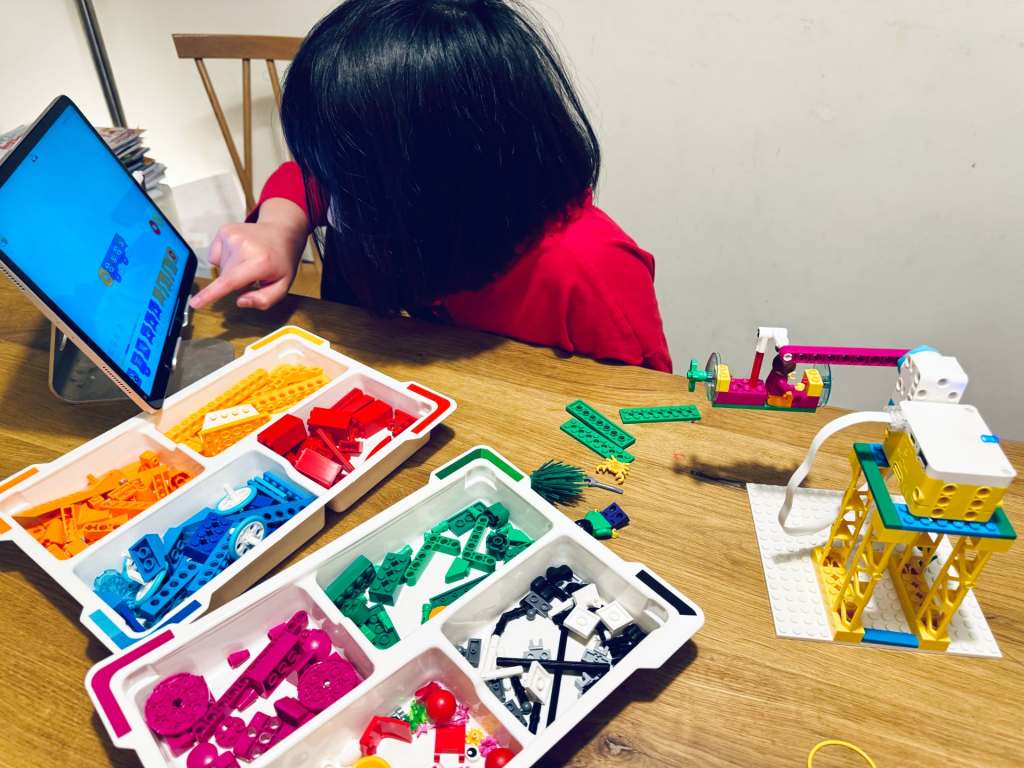
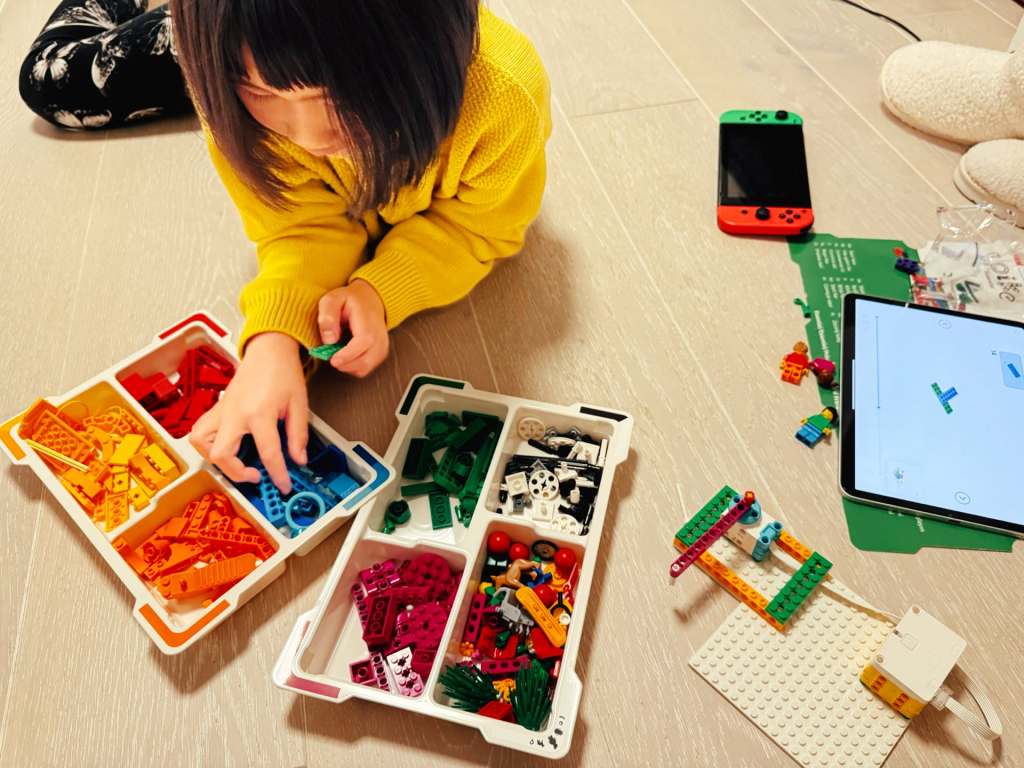
That’s when I decided to try the LEGO SPIKE Education set. Char has always loved building LEGO sets and has put considerable time and effort into creating her own beautiful designs. The SPIKE set could take her LEGO experience to a new level by introducing motors, sensors, and programmable hubs, plus a child-friendly, Scratch-like coding interface designed for young learners.
The examples in the SPIKE Essential set are fun, but admittedly a bit ‘toyish’. My plan is to start with these basics to get Char comfortable, and then gradually extend them into more practical, real-world projects with the Prime set. I hope this will offer her another fun way to problem-solving and coding activities.
This week, I stumbled across a great video on YouTube—it’s from an old WWDC17 session called “60 Seconds Prototyping“. I thought it would be fun to watch it with Char together, as we’re looking for new ideas to make our next app.
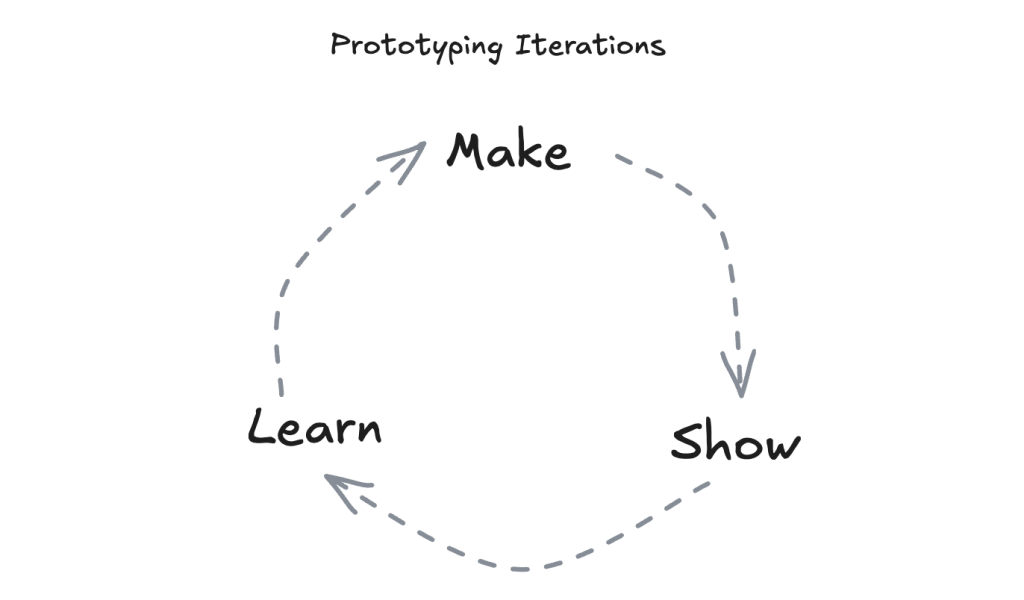
In the video, the presenter showed how you can use Keynote (MacOS version of the Powerpoint) to quickly create an app interface prototype in just one minute. The whole idea behind it was simple—don’t overthink it, just make something, show it to others, and learn from the feedback. I really like this idea, as this was such an easy concept for Char.
Usually, when we’re working on a new app or game idea, Char starts with a drawing on paper, then I jump into coding. But here’s the thing—it can take a while to get the prototype ready, and looking back, I think we could have saved some time by trying quick, simple prototypes at the start.
I hope watching this video helps Chan feel more confident. Sometimes she thinks, “I can’t code, so I can’t make the app,” but this video showed her that even with just paper and a pen, she can prototype! I’m hoping she takes that confidence and starts not only sketching her ideas but also sharing them with friends for feedback—maybe even changing things up before coming back to me for the coding phase.
As for our next project, I’m definitely going to encourage this idea of quick iterations. Instead of trying to perfect the design right from the start, we’ll aim to keep things simple, gather feedback, and improve as we go. 🏃♀️➡️
 Yue & Char, Games