The Cloud That Fell Asleep 🌧️🌸

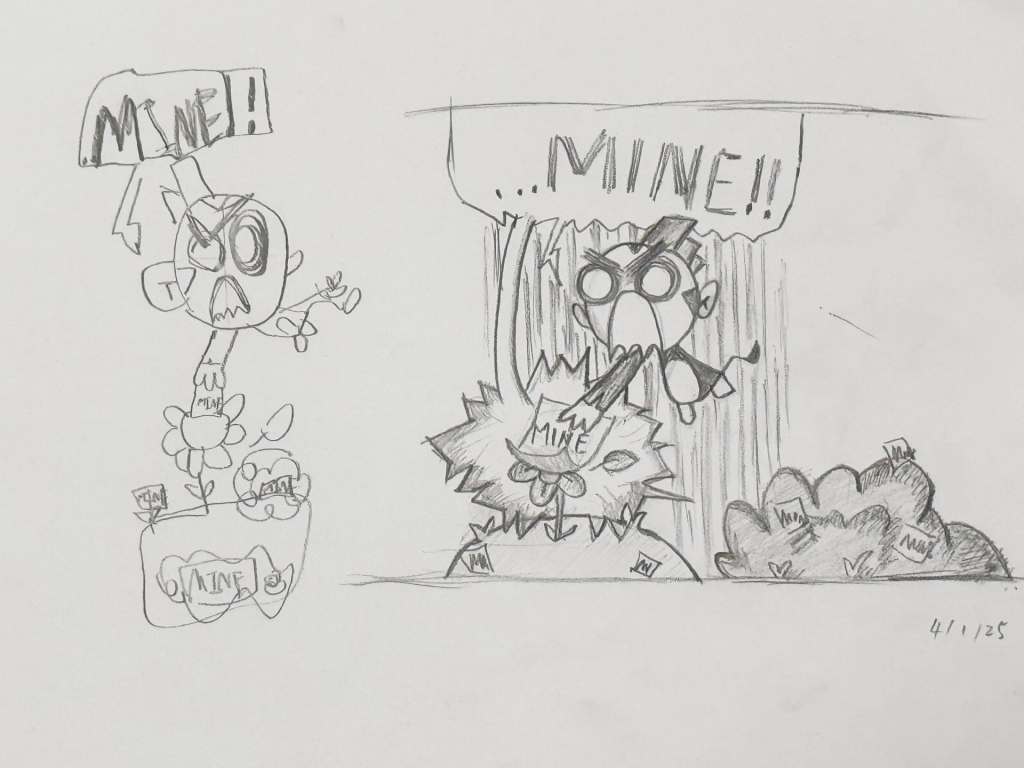
Yue and I have been making animations together recently. Here is today’s work, cloud and flower. The story is about a cloud in the sky. The cloud fell asleep, and then it rained, and then the seeds on the ground grew into a flower.

It all started last night that I couldn’t play on Yue’s phone when I went to a restaurant, so I asked my Yue if I could draw on his iPad. He said yes. I wanted to draw a sky, so I did. Then I wanted to draw a ground, so I did. And then I made a cloud with a face. I tried to make it look like a bear, dog, cat, cheetah, jaguar… whatever you think it looks like.

One thing I did well is to use layers. I don’t really like using them. I think it’s easier to draw everything in one layer. But layers just make it easier if you need to erase stuff.

When Yue animated my drawing, I thought it was very good. I loved the way he made the cloud sleep. That looked so, so, so good. The best part was when the cloud was sleeping and the music was spectacular! It made everything look amazing.

The Great Lizard Space Adventure 🚀

Today, I made a stop-motion movie about a lizard in space! 🦎✨

It all started when I found a little LEGO lizard piece on a rocket and decided he needed an adventure. My marvellous (and very smart) Dad helped me improve the rocket’s stand so it wouldn’t wobble. Thanks, Yue!

My plan was to create a big, bright, blue rocket launch. But… we discovered that small LEGO pieces are hard to position in mid air. Even though we couldn’t make the full launch scene I imagined, we still got a pretty awesome take-off effect in the end. 🚀💨

Then came the funniest part. About ten seconds into the film, the lizard mysteriously strolls into view from… somewhere. We’re not sure if it was out of oblivion, a metal hatch, or just the side of the set! He waddles over, gives the owner a big lick, leaves a little dribble on her face (ew!) and then—splat!—falls over.

But the adventure wasn’t over yet… Two seconds later, half the rocket tumbles down and crashes to the ground! A perfect, unexpected ending.

I think it turned out pretty great. Space launches, mystery lizards, and a bit of mess🙈!

Char’s Drawing – The Fashion Show 👗

We have paused the Drawing Duo series because Yue has started a new “10,000 Circles” challenge. In the meantime, I’m beginning my own drawing series!

Today’s drawing is called “The Fashion Show”. While I was sketching Bunny from Bunny vs. Monkey, I got the idea to add some clothes. After I finished Bunny, I added Monkey, then Winnie, then Stunky, and eventually turned it all into a full fashion show. (But I forgot PIG, and with a red carpet!s 😮‍💨)

Bunny has an autumn style with a backpack, scarf, and hat.
Monkey wears an old-fashioned style with a classic top hat, bow tie, and walking stick.
Winnie sports a cookery style—she has a chef’s hat, apron, and carries a whisk and spoon.
Stunky went all out with a full-body rocket costume!

At the end of the walkway, you’ll see a bunch of cats trying to catch a glimpse of the fantastic menagerie!

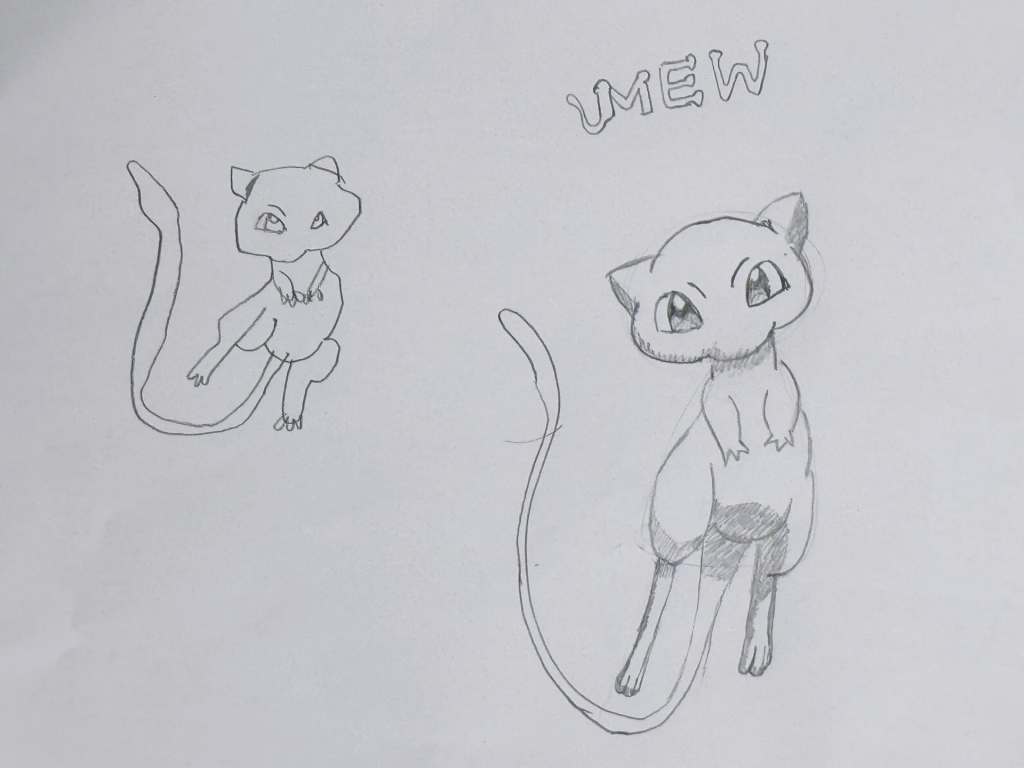
Drawing Duo 001 – Mew

Recently, Yue and I started a fun new project we call “Drawing Duos.” The idea is simple: each day, I pick a character to draw together, and we each do our best to recreate it. The goal is to practice our drawing skills, spend some creative time together, and enjoy the process.

There’s no competition, just teamwork (well maybe a lot of comparison😜)!

For our first Drawing Duo, we chose an iconic and memorable PokĂŠmon: Mew. I got this from the a big thick PokĂŠdex book.

LEGO Tree House Camp 🏕️

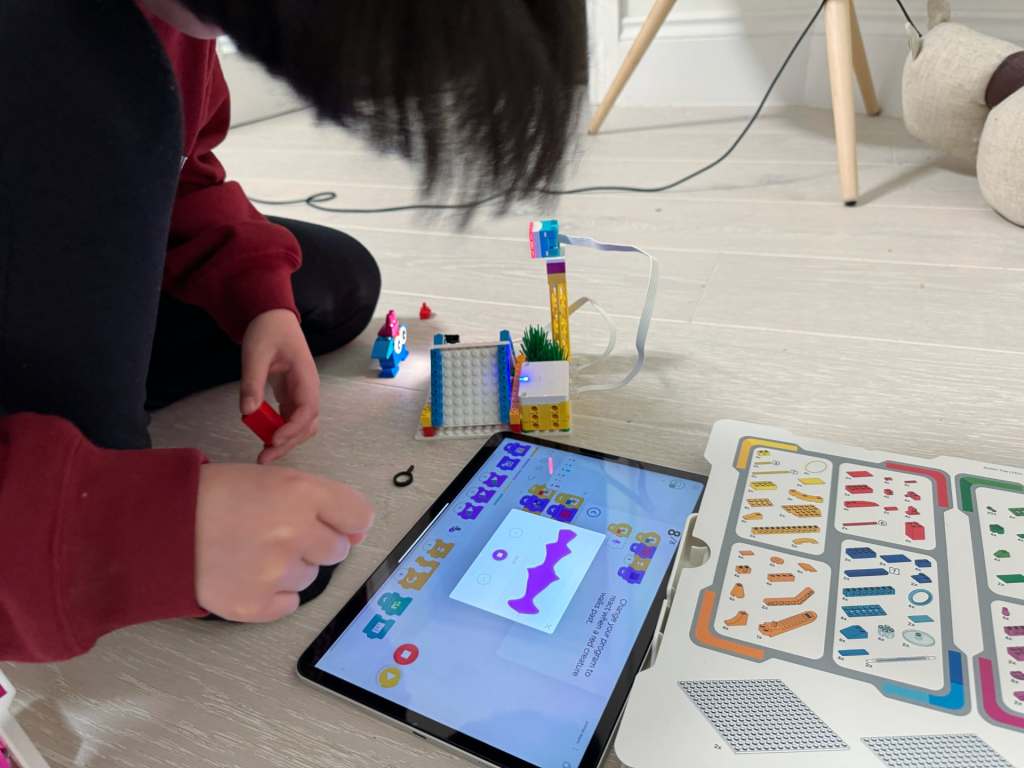
Hi everyone! Yue and I recently finished another cool LEGO SPIKE project together. This time, the background story was about a character who was sleeping out side for the first time. The character wanted to see the moon at night, so we decided to build a treehouse with a roof that could open and close.

The treehouse has a really clever design! We added a camera to it, and here’s the fun part: when the camera sees black (nighttime), the roof opens so the character can see the moon. When it sees blue (daytime), the roof closes and shows a picture of a forest den.

The most fun part was building the treehouse. But honestly, I think I liked some of our other SPIKE projects more because I couldn’t program this one to go crazy! It just opens and closes, and I like it when things can move around and do funny things. Still, it was pretty cool.

LEGO Underwater Quest 🚣

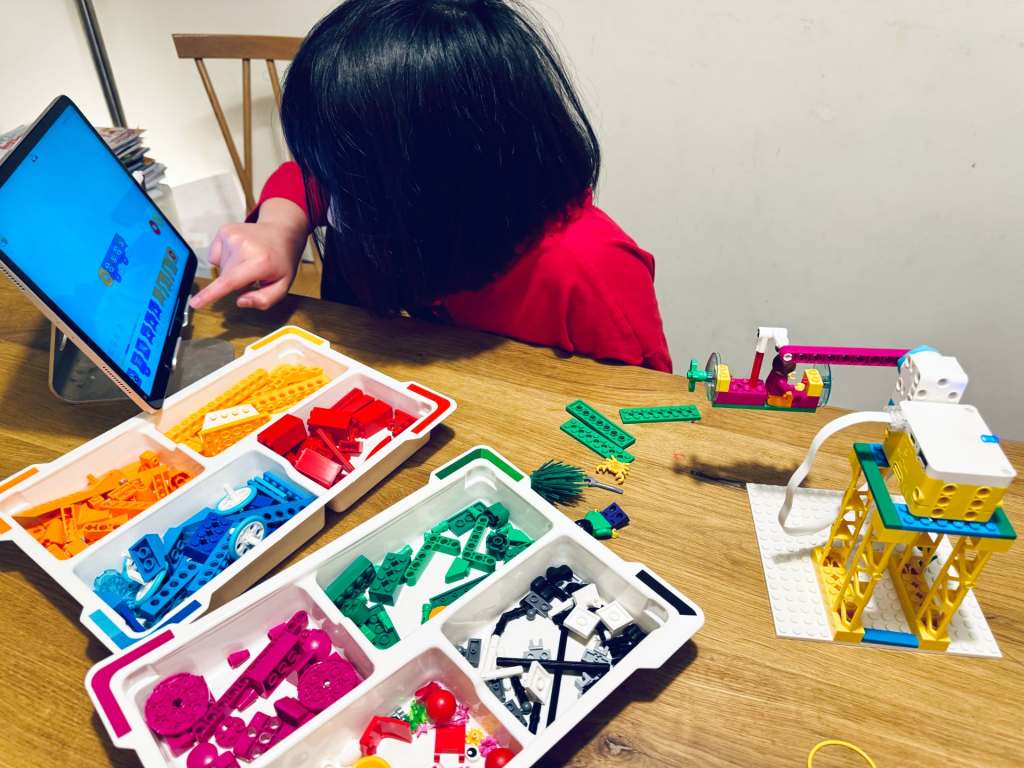
This time, Yue and I built the super cool LEGO SPIKE Underwater project. I cannot remember the background story, but we need to push a submarine into the water. Instead of just pushing it into the “water” like our first project (a boat), we made it more exciting—like a theme park ride!

I created a spinning machine that could not only push the submarine but also make it go round and round and round. It was so fun to watch! When I programmed it, I made three speeds: slow, medium, and fast. The fast mode was so crazy that the entire base plate started to shake! I had to stop it because it was going crazy!

The most fun part in all LEGO Spike projects? For me, it’s always when I program the LEGO projects to do something wild and unexpected. Watching them go out of control is hilarious!

LEGO Crazy Animal Light Show🚦

Hi everyone! I want to tell you about our new awesome LEGO SPIKE project that I built with Yue. We worked on something super fun—a camping animal alarm!

The idea behind this project is that a camper goes on a camping trip, and at night, he wants to see what animals are sneaking around his tent. To help him, we built a special animal alarm. It can light up and even make sounds to scare the animals away, which later ends up as a light show😜

We built this using LEGO Hub with two switches. One switch connected to a light, and the other connected to a camera. The camera could “see” animals, and when an animal with a certain colour passed by the camera, the light would shine. Later, I recorded some sounds to make the alarm even better.

The best part was creating multicoloured creatures and seeing how the alarm reacted. When I held up my colorful creature in front of the camera, it played all kinds of sounds. For example: “This is a green creature, … This is a red creature, … This is a yellow creature!”

Another thing I loved about this project was the counter. It showed how many creatures passed by using a bar chart. For each new creature, the chart added a color. It was so cool to see the project count and record all the colourful animals!