It’s been a while since Char and I worked together on our apps and games. Both of us have been busier than usual—I’m wrapping up end-of-year projects at work, and she’s been busy with her 11-plus tuitions. As a result, we haven’t had as much time for our ‘YueChar.Games’ coding sessions, which I’ve missed.
While planning our return to app and game development, I took a closer look at what made it challenging last time around. We had a lot of fun brainstorming ideas and discussing designs, but there were two main obstacles we encountered.
First, the projects we attempted were often complex for my daughter. At her current skill level, it was difficult to manage all the details involved. While we enjoy learning, it became hard to keep up.
The second challenge was balancing coding and design. Char was deeply involved in the design aspects, but I handled most of the coding. I wanted her to develop computational thinking and problem-solving skills, but often the actual coding fell outside her comfort zone.
That’s when I decided to try the LEGO SPIKE Education set. Char has always loved building LEGO sets and has put considerable time and effort into creating her own beautiful designs. The SPIKE set could take her LEGO experience to a new level by introducing motors, sensors, and programmable hubs, plus a child-friendly, Scratch-like coding interface designed for young learners.
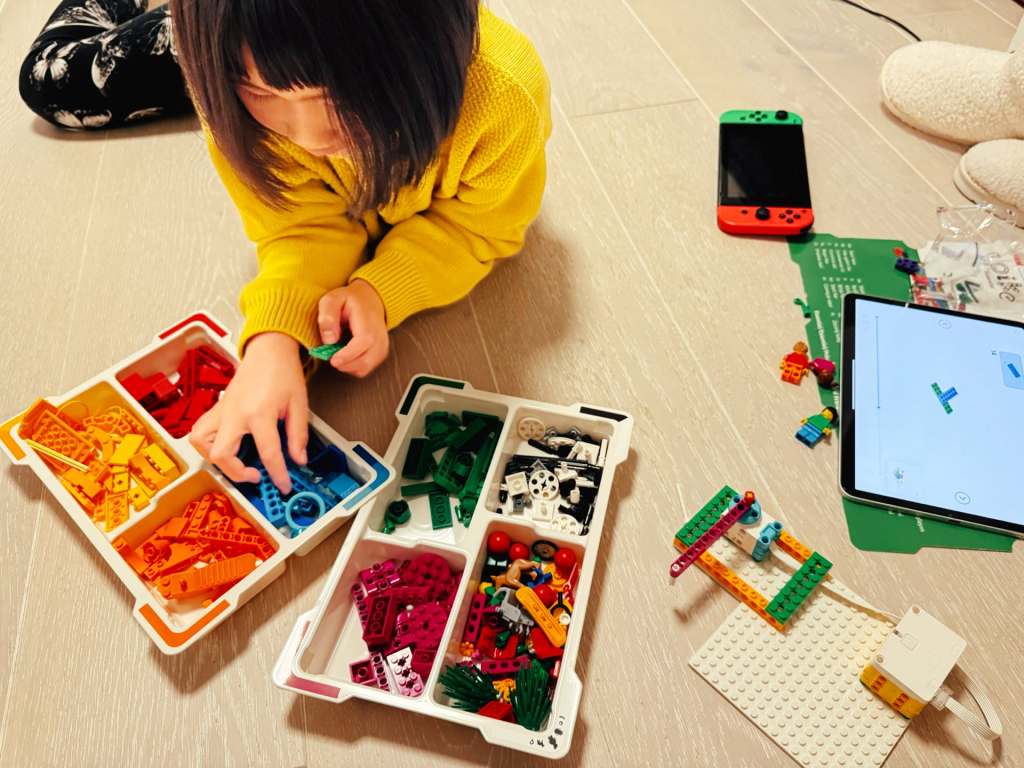
The examples in the SPIKE Essential set are fun, but admittedly a bit ‘toyish’. My plan is to start with these basics to get Char comfortable, and then gradually extend them into more practical, real-world projects with the Prime set. I hope this will offer her another fun way to problem-solving and coding activities.
 Yue & Char, Games